





Back to FAQs
How do I report a lost dog on DogPack?
If your dog has gone missing, or you find a stray dog, you can report it on DogPack, and your post will be displayed to users near the area where your dog was last seen or where you found a stray dog.
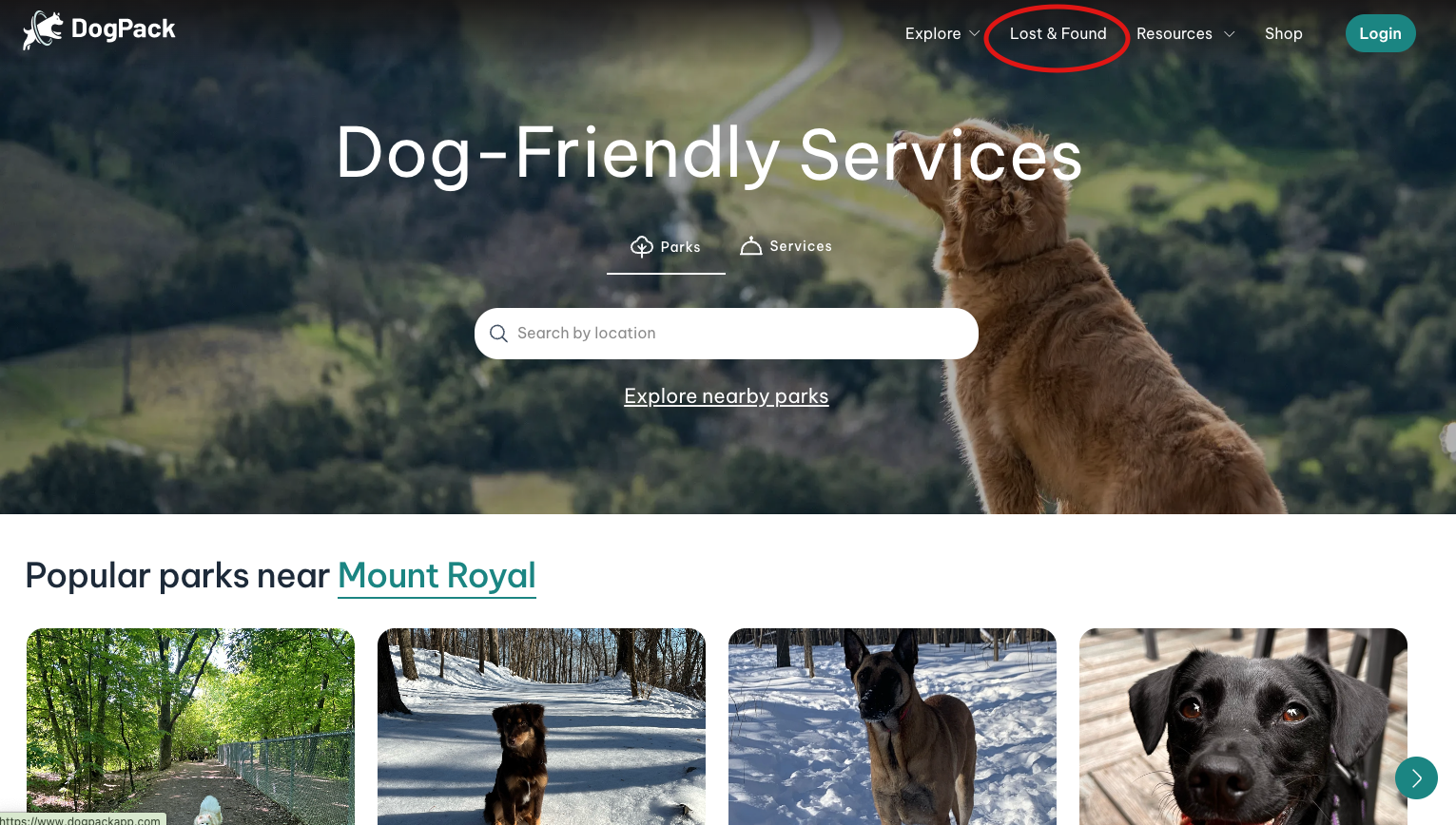
1. To start, head to the 'Lost & Found' on the top navigation bar.
2. Click on the "Report a Missing Dog" Button.

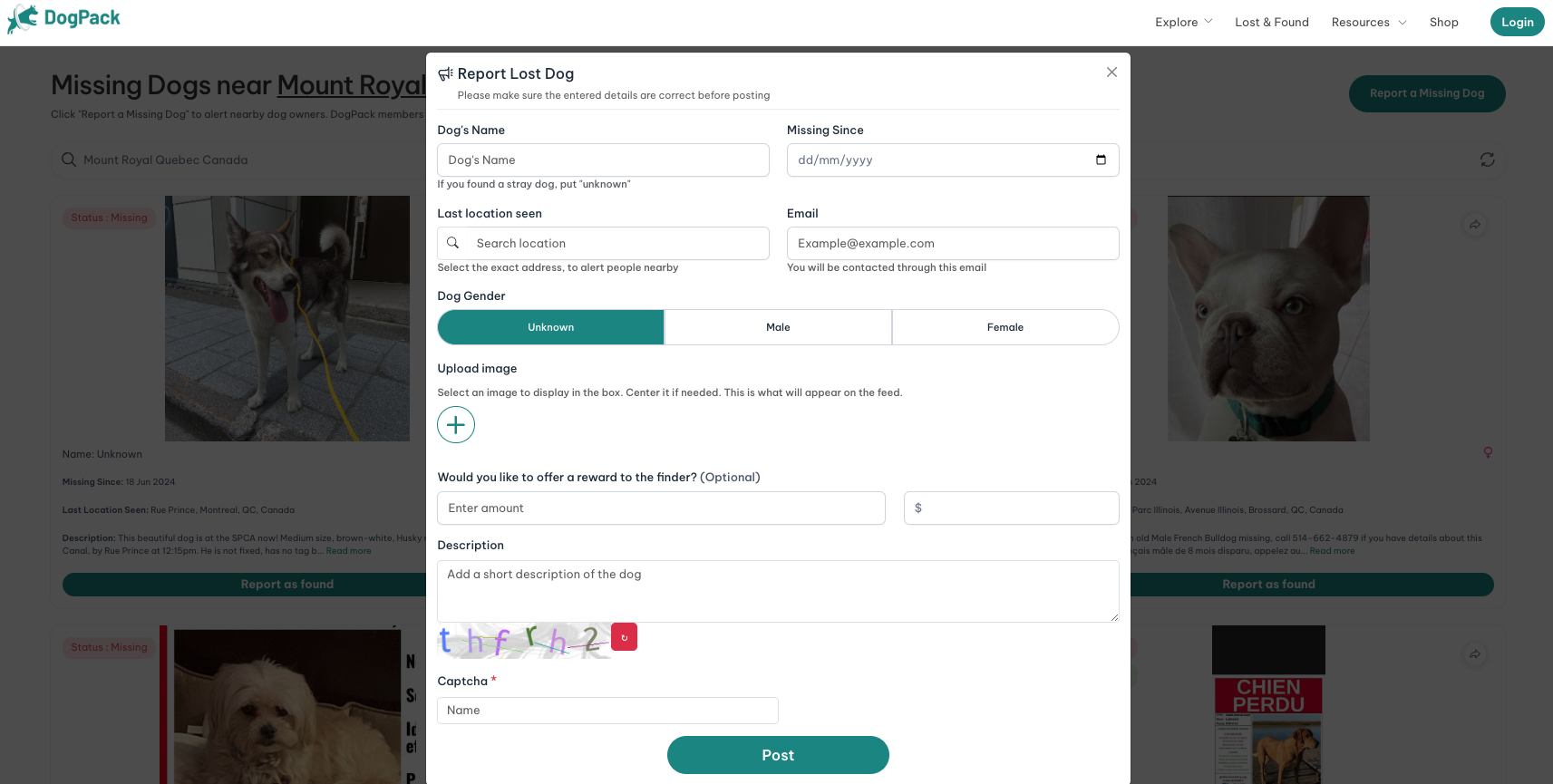
3. You will be asked to input all your dog's information, and the system will create a shareable poster with the information you included.
 Continue in App
 Continue in