





Back to FAQs
How can I filter dog parks by specific amenities?
Are you looking for a dog-friendly area with specific amenities? DogPack certainly has this feature.
Start by searching for an area using the search bar on the homepage or clicking the “Explore” button at the top of the page and selecting “Parks” from the dropdown menu.

Once the list and map view loads, locate the Filters bar above the list and map view.
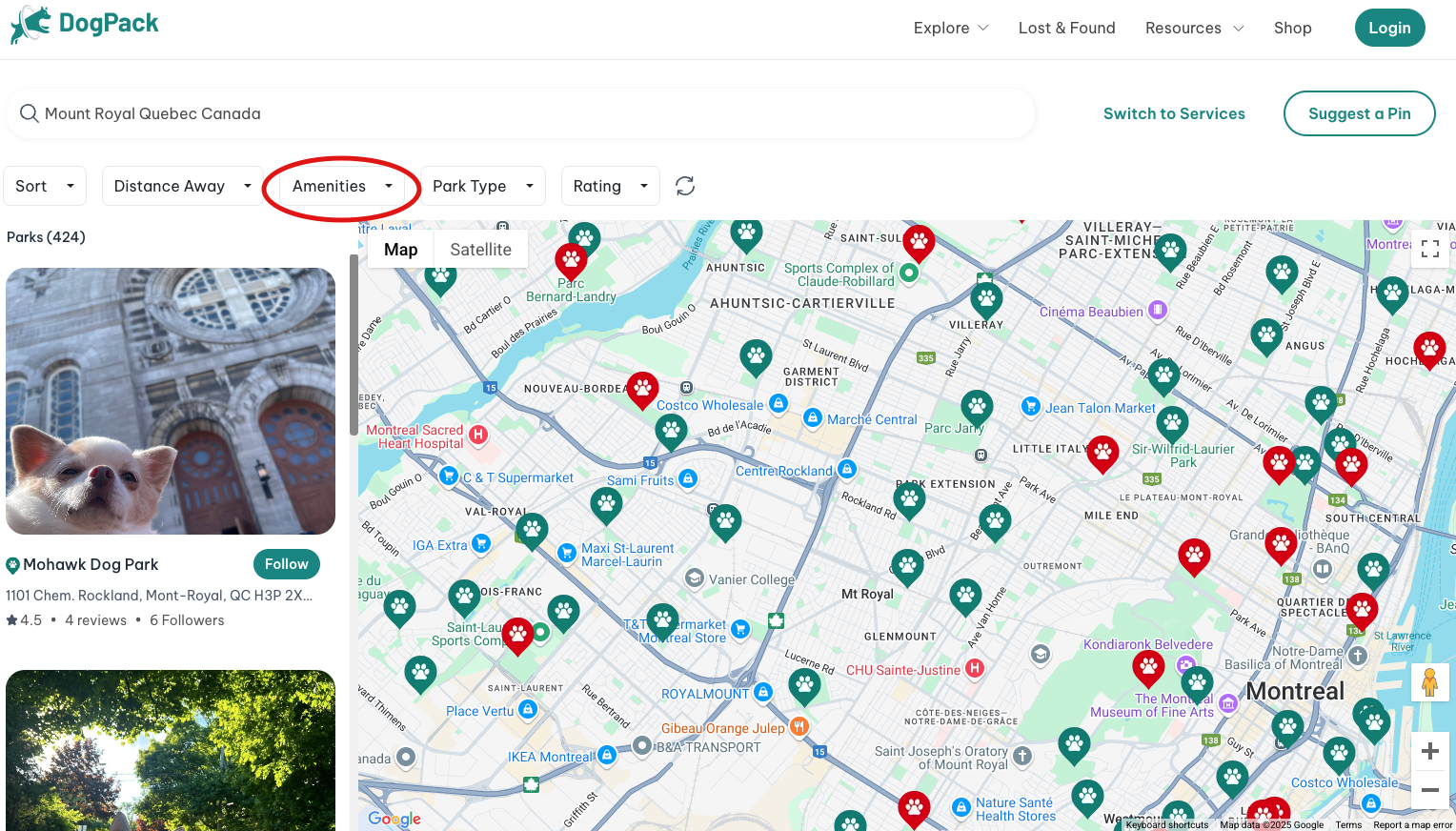
Open the Amenities dropdown menu within the Filters tab, select the amenities you would like to filter for. Once you click "Apply," the map will display the parks with your selected amenities.
 Continue in App
 Continue in